Timeline / Roadmap view
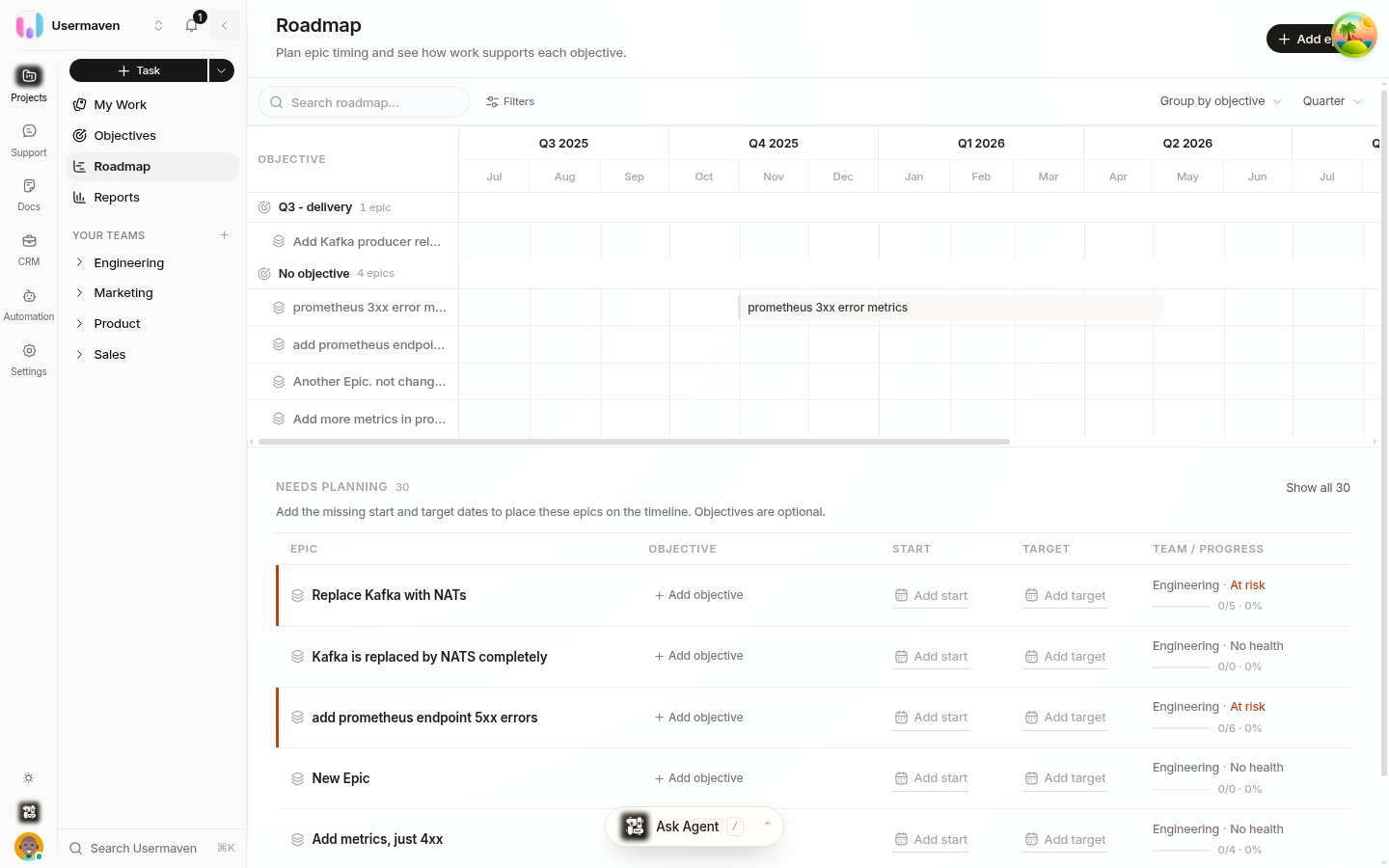
Use the roadmap to plan epics over time and communicate the shape of upcoming work. Each epic appears as a horizontal bar on a time axis, so overlaps, gaps, and sequencing are visible at a glance.
Read the timeline
Plan epic dates
Give each epic a planned start date and deadline on the epic itself. An epic without both dates cannot appear as a scheduled bar.
Drag an epic bar to move its planned dates.
Drag either end of a bar to change the epic's duration.
Make date changes together with the people responsible for delivery, so the roadmap stays a shared plan rather than an outdated snapshot.
Focus the roadmap
Group the roadmap by team or objective to compare related work.
Filter by team, objective, epic state, labels, or owner when you need a narrower slice of the plan.
Switch the zoom level to match the conversation: choose Week for near-term coordination, Month for delivery planning, or Quarter for a higher-level roadmap.
Color the roadmap by team or epic state. Epic bars also show a health indicator, which makes work that needs attention easier to spot.
Tip: Start broad when discussing a longer horizon, then zoom in for near-term sequencing.
Connect the roadmap to your goals
Your plan can connect from team goals to daily work:
An Objective is a company or team-level goal.
An Epic groups related tasks and can be linked to the objective it supports.
A Sprint is the time box in which your team delivers tasks.
This lets you use the roadmap to check whether the epics that support an objective have a realistic time frame, while sprint planning confirms the near-term work fits the sprint.
When to use it
The roadmap is most useful for sequencing major initiatives, checking date overlap, and sharing a time-based plan. For daily task movement, use the board; for detailed editing across many tasks, use the list.
Related
Was this article helpful?