Inboxes / routing settings
The Inboxes & Routing page (Settings → Inboxes & Routing) is the control center for how conversations are organized and how email flows. It has four tabs.
See also: Conversation routing settings for a detailed walkthrough of the Routing & Assignment tab, and Conversation triage & routing for how routing decisions are made.
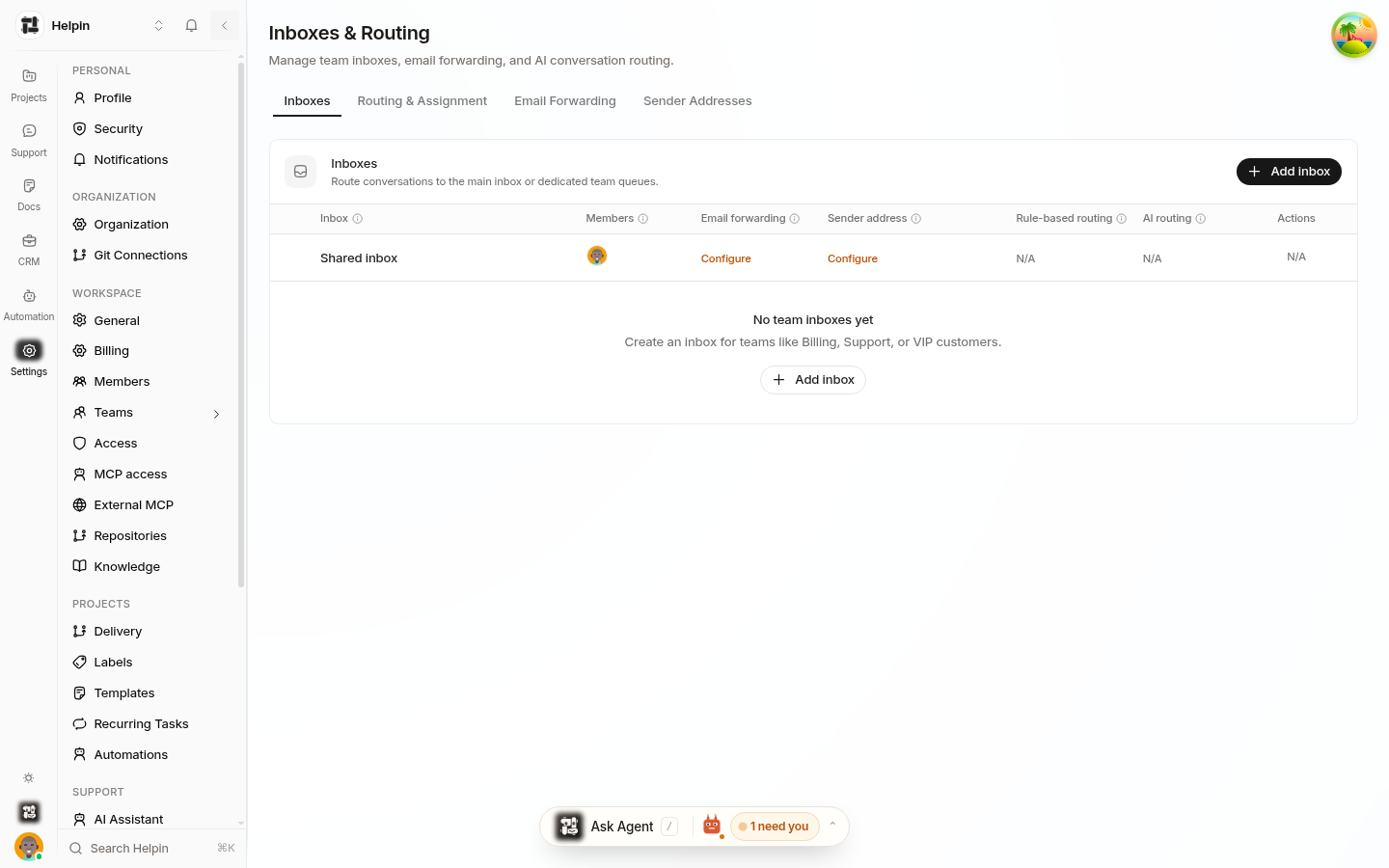
Inboxes tab
Lists every mailbox with its members, email forwarding, sender address, and whether rule-based and AI routing apply. From here you can:
Add inbox — create a new team inbox (name, handle, icon, members, assignment mode, routing prompt).
Configure an existing inbox — edit members, assignment, sender, or routing prompt.
See Queue & mailbox management.
Routing & Assignment tab
Two sections:
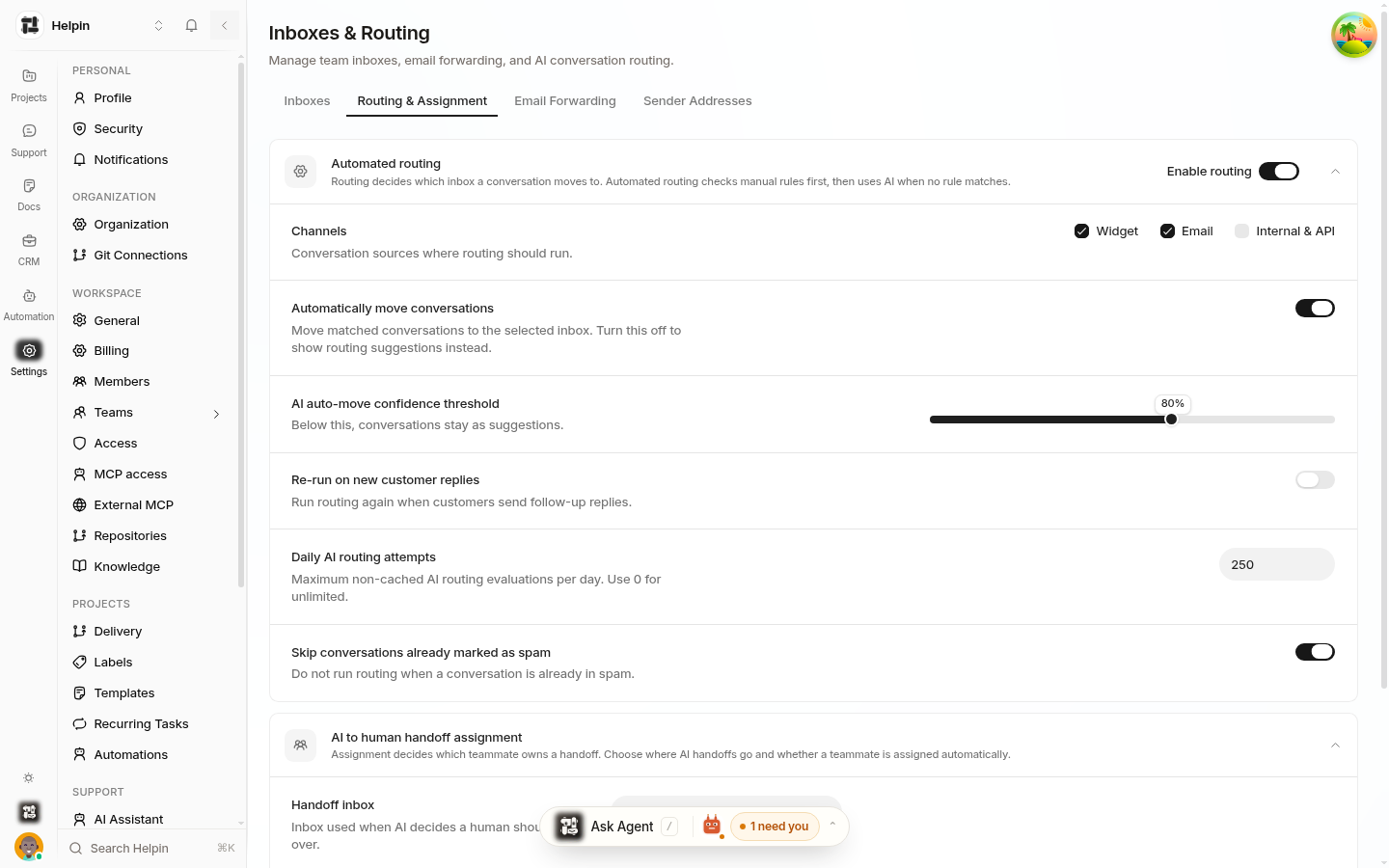
Automated routing — the pipeline that moves new conversations to the right inbox:
Enable routing — master switch.
Channels — Widget, Email, Internal & API checkboxes.
AI routing confidence slider — how aggressive AI routing is.
Rerun-on-meaning-change, fallback behavior, daily budget, spam skip, and first-message dedupe.
AI to human handoff assignment — where AI escalations land:
Destination inbox (Shared Inbox or a team inbox).
Assignment: leave unassigned or assign automatically (round-robin).
See Conversation triage & routing and Team inbox assignment.
Email Forwarding tab
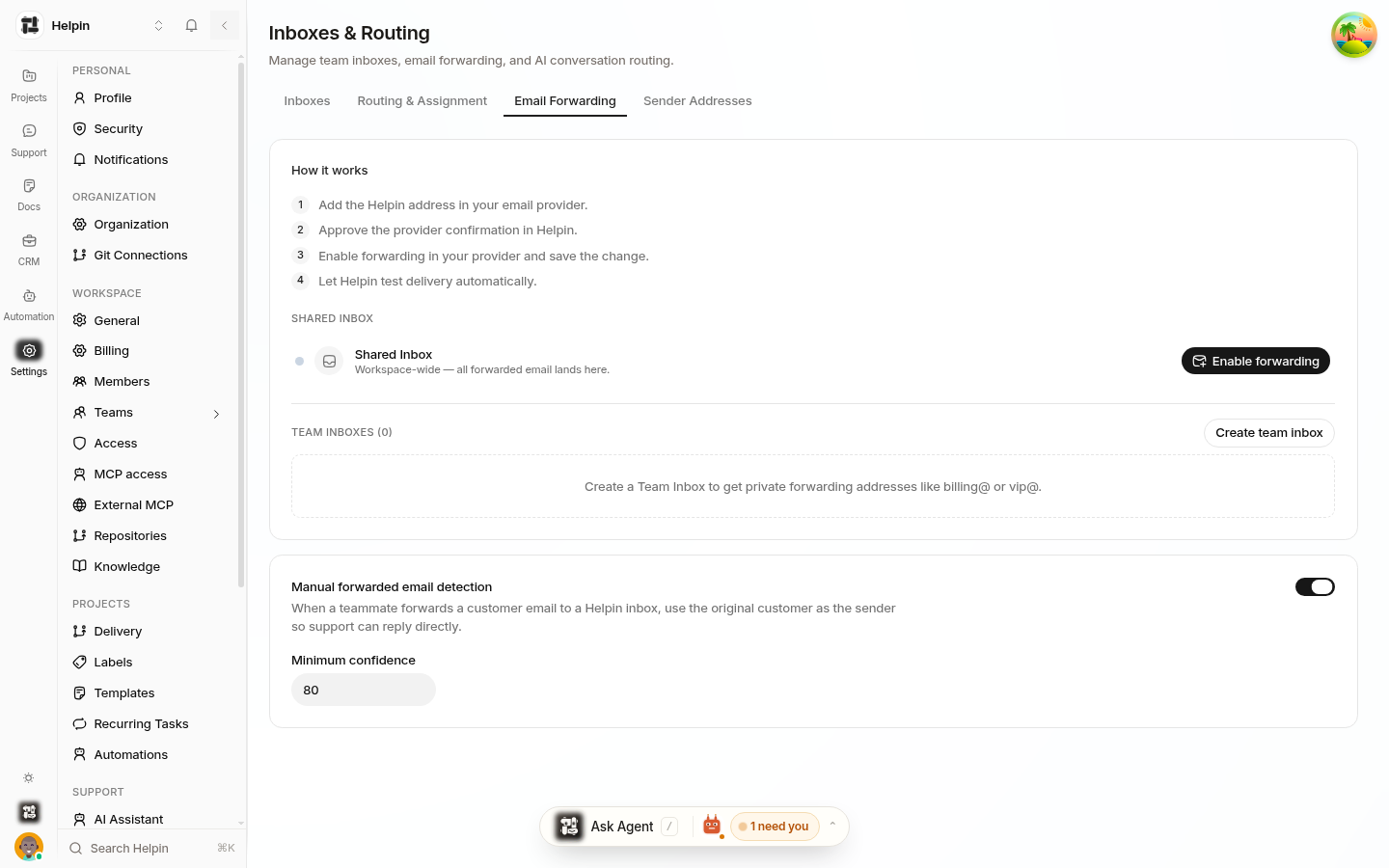
Manage forwarding routes and manual forwarded email detection:
Enable forwarding / Create team inbox.
Route list with inbound addresses, source addresses, mailboxes, and verification state.
Manual forwarded email detection toggle with a minimum-confidence threshold.
See Support email forwarding & routes.
Sender Addresses tab
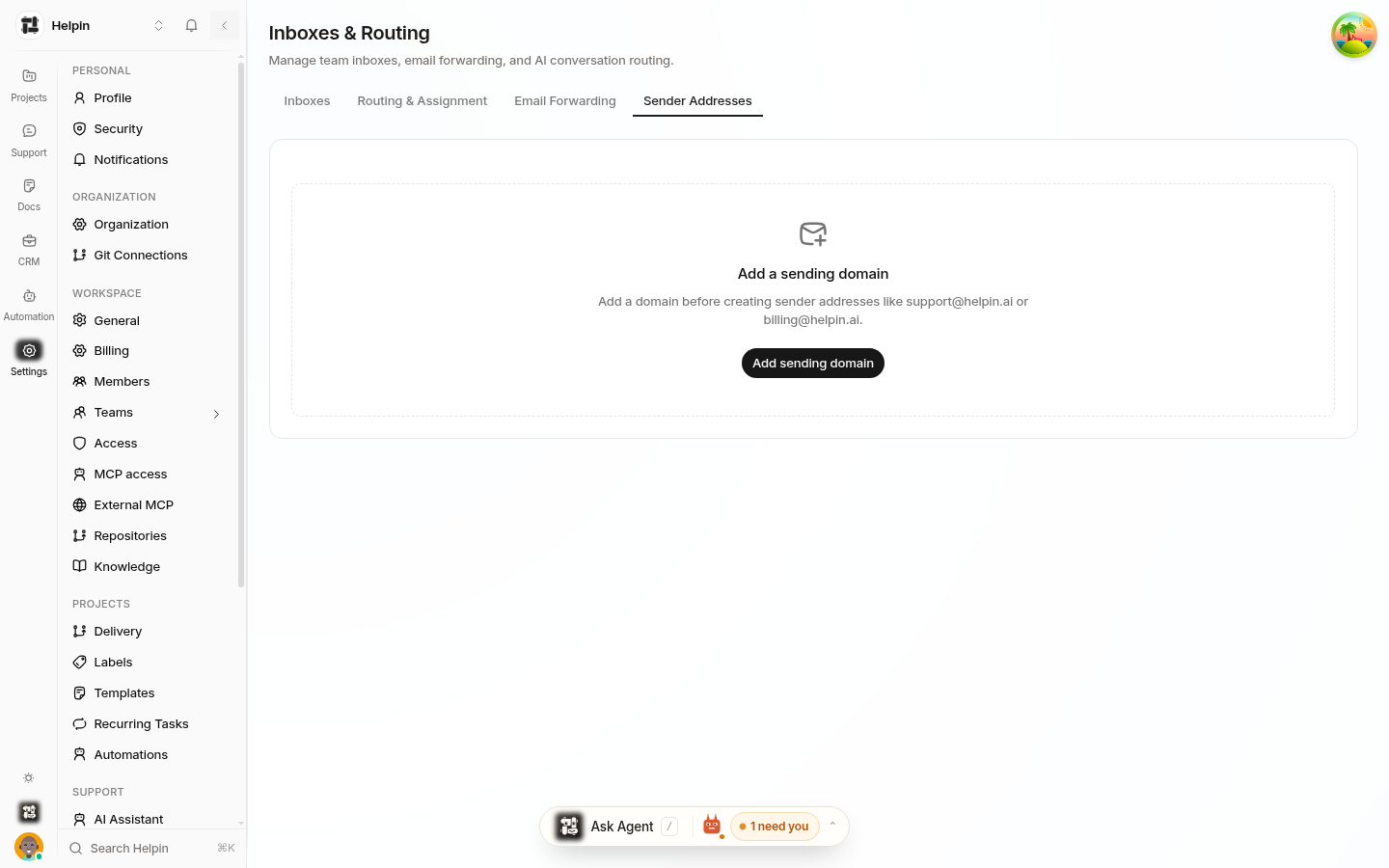
Manage outbound identities:
Add sending domain — your domain with DKIM / Return-Path / DMARC records.
Sender list with display names, verification state, and default scopes (workspace or per-mailbox).
See Custom sender addresses & domains and Default workspace & per-inbox sender addresses.
Who can access
These pages are workspace settings — members with settings access see them. Inbox membership itself is managed per-inbox, not here.
Related pages
Live Translate (when enabled, its settings appear in support settings)
Was this article helpful?