Import from other tools
This page is your guide for importing from tools other than Shortcut. The Import & Export area in Settings shows which importers are available. For tools without an importer, Helpin usually connects to the live product through an integration instead of copying data once.
Where imports live
Open Settings and choose Import & Export in the Data group. The Project Management group lists the available importers:
Shortcut is available today — see Import from Shortcut. More importers are on the roadmap.
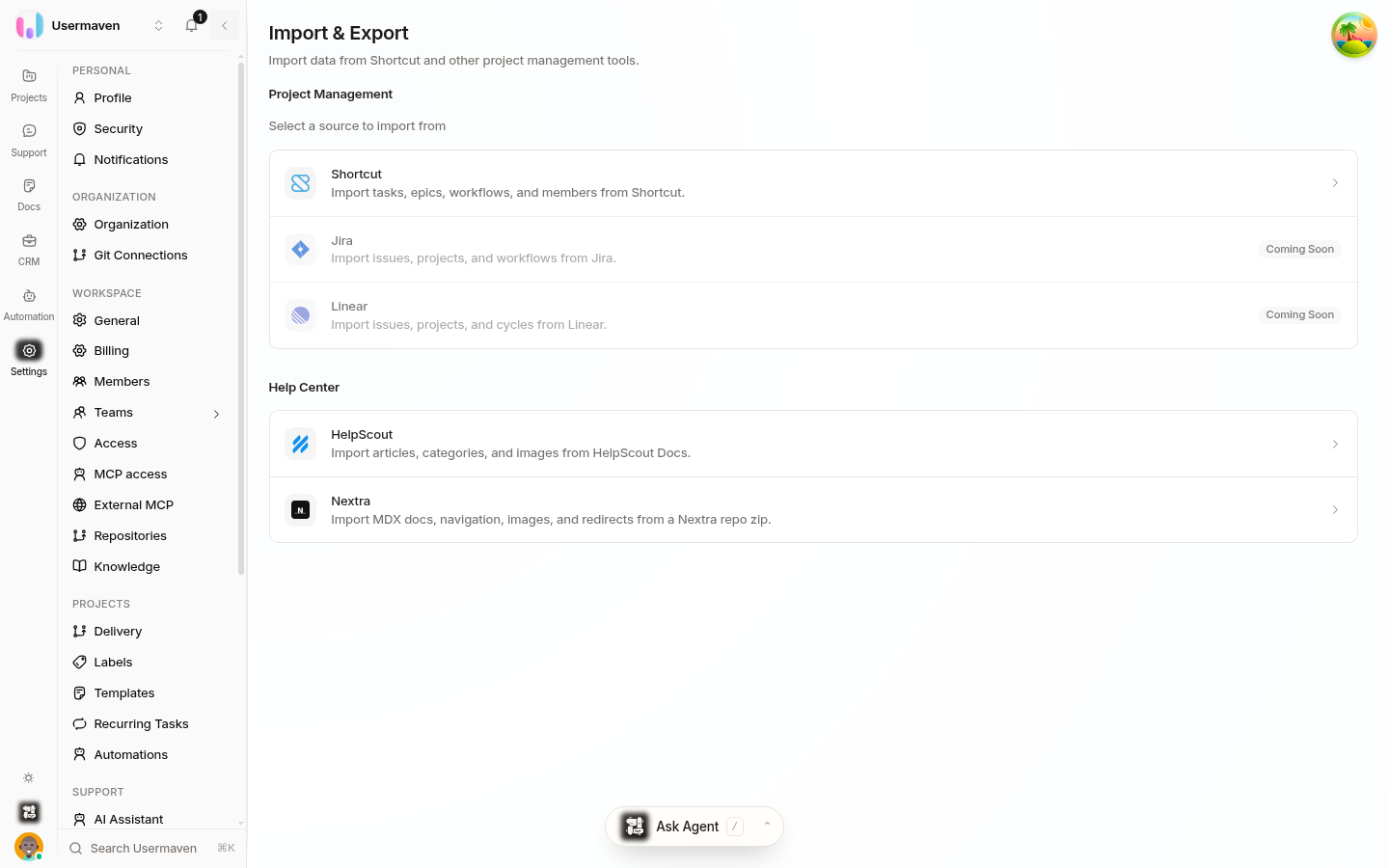
The Help Center group on the same page also offers imports for HelpScout and Nextra documentation.
Tools covered by integrations instead
For many tools, Helpin connects to the live product rather than copying a snapshot. You get continuous updates rather than a one-time import. Examples include GitHub for repository, issue, and pull-request connections. See the Integrations overview for every connection Helpin supports, what each one does, and where to set it up.
If your tool has neither an importer nor an integration yet, the integrations overview is still the right place to check what is supported and what is planned.
After an import or setup
Check that people were matched by email and assign anyone who was skipped.
Review workflow states. Imported items land in the closest matching state, and you can move them after the fact.
Related
Was this article helpful?