Coverage analysis
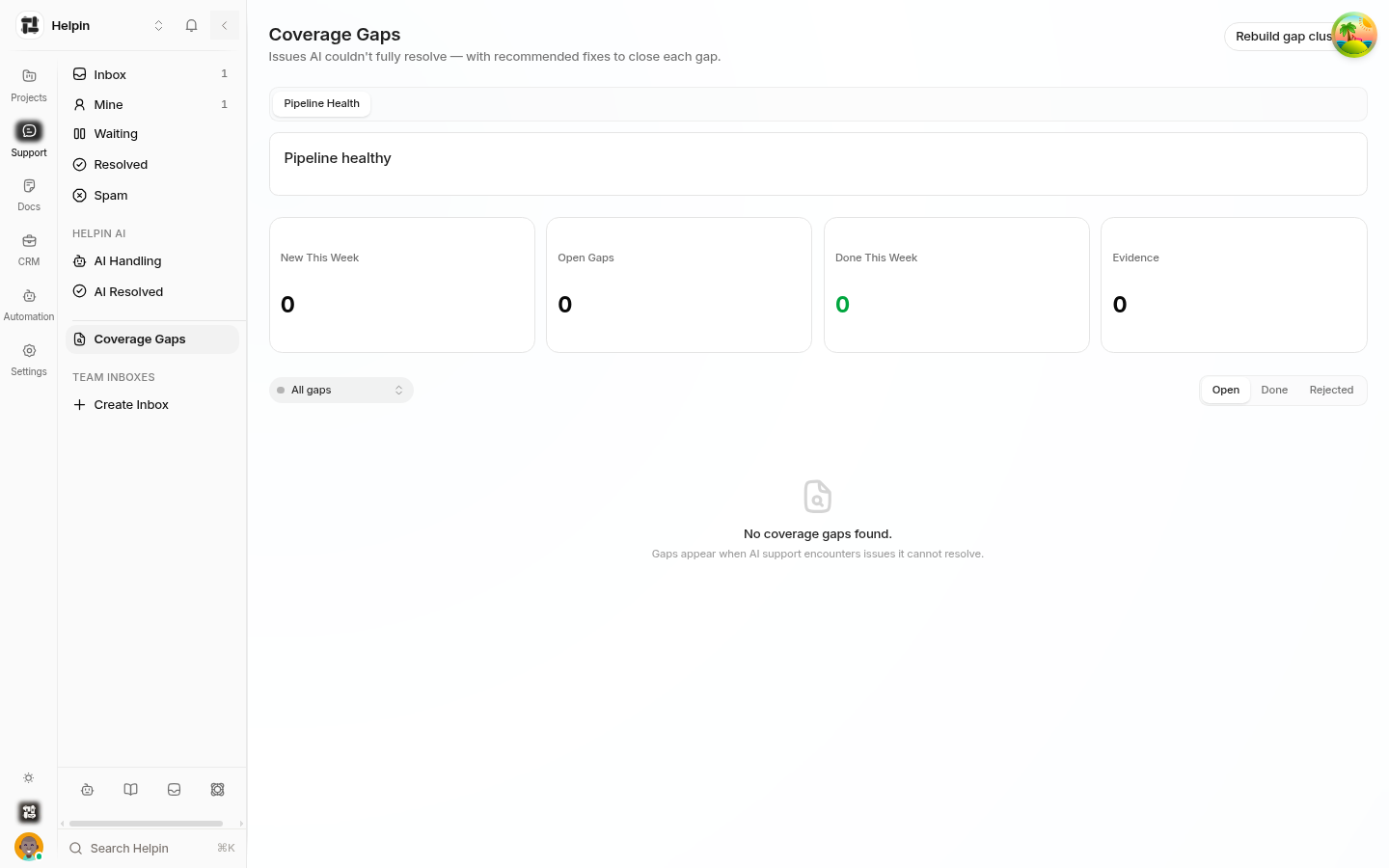
Coverage analysis turns failed AI conversations into a content to-do list. The Coverage Gaps view in Support shows where the AI couldn't resolve conversations, clustered by topic, with evidence and recommended fixes.
What a coverage gap is
A gap appears when AI support encounters issues it cannot resolve — conversations that were escalated or left unsatisfied around a topic. Related conversations are clustered into one gap so recurring problems read as one item, not dozens.
Gap types
Each gap is classified as one of four types:
Type | Meaning | Typical fix |
|---|---|---|
Missing article | The topic has no content. | Write a new article. |
Weak article | Content exists but isn't answering. | Improve depth/clarity of the article. |
Outdated or conflicting article | Content contradicts current product behavior. | Update the article. |
Needs review | The cluster needs human judgment on classification. | Review evidence, then decide. |
Reading a gap
Each gap row shows:
Title — the topic, with the nearest existing article when one is close.
Status — Open, Done, or Rejected.
Confidence and evidence counts — how many conversations (30 days and all-time) and distinct customers support the gap.
Impact tier — low / medium / high, scored from volume and recency.
Open the gap for:
Evidence — actual conversation excerpts showing the customer need, the AI failure, and how a human resolved it.
Recommendations — suggested changes (create article X, update article Y) with rationale and implementation notes.
Suggested docs — AI-drafted article suggestions you can push into a Docs space, edit, and publish.
Working the list
Sort by impact — high tiers first.
Open a gap, read the evidence to confirm the customer need.
Act on the recommendation: create or fix the article (AI suggestions pre-fill drafts targeting a space).
When the fix ships, mark the gap Done. If the cluster is noise, Reject it with a reason — rejected gaps stop resurfacing.
Gaps can reopen if new evidence arrives after closure.
Filters (All gaps / Open / Done / Rejected) and a type filter keep the list focused. Pipeline Health gives admins a view of the analysis pipeline itself.
The loop
Coverage analysis closes the loop between support and docs:
Conversations → unresolved topics → gaps with evidence → article fixes → better AI answers → fewer handoffs.
Teams that work this list weekly typically see escalation volume drop steadily, because each fixed gap removes a recurring handoff cause.
Related pages
Was this article helpful?